
This mobile application enables users to communicate with friends in real-time through an intuitive and easy-to-use interface. Whether logging in or registering a new account, users can quickly connect and begin chatting.
- User Authentication: Securely log in or register using a username and password.
- Friend Management: Add friends by username and manage your contact list.
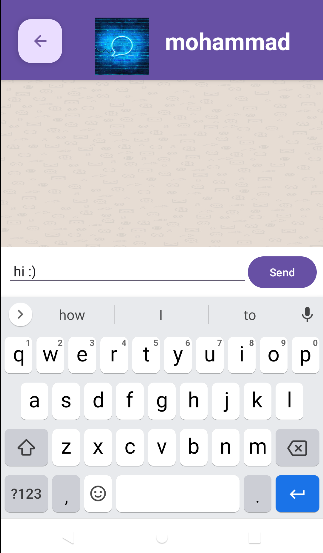
- Real-Time Messaging: Engage in live conversations with your contacts.
- Push Notifications: Get notified when you receive new messages (ensure notifications are enabled on your device).
Upon launching the app, you will be greeted by the Login Page, where you can enter your username and password
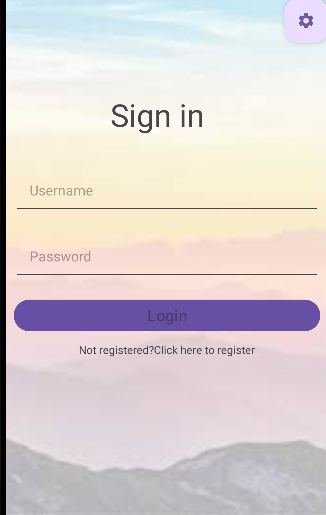
New User? Click the "Click here" link located beneath the login button to register a new account.
On the Registration Page, fill in the required fields—username, email, and password—to create a new account.
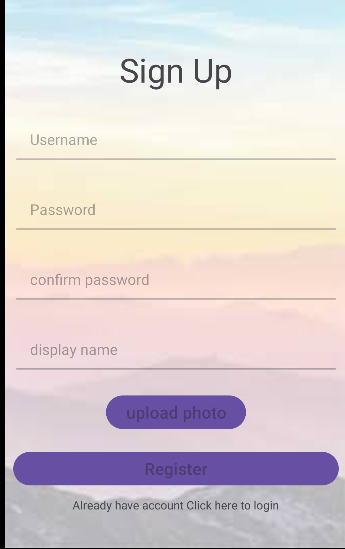
Once registration is successful, you'll be automatically redirected to the Login Page to log in with your newly created credentials.
After logging in, you will arrive at the Dashboard, where you can manage your friends, check your recent conversations, and start a new chat.
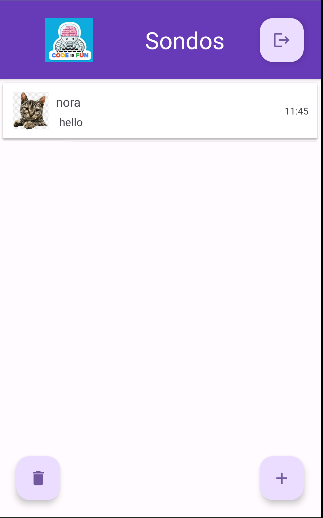
To add new friends, click on the "plus" icon located at the bottom-right corner of the screen.
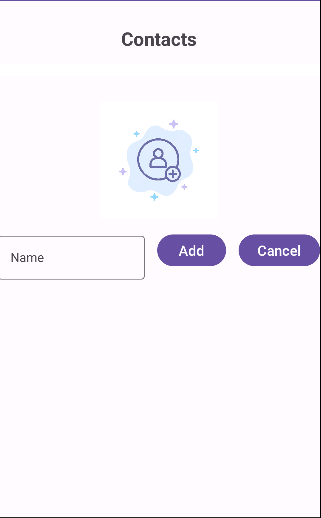
Enter your friend's username in the search bar and press the "Add" button to send a friend request.
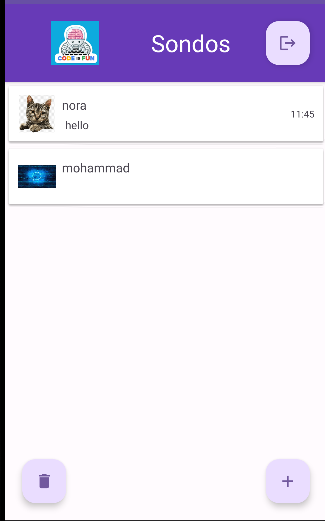
Once your friend is added, you can begin chatting with them immediately.
Once you've added a friend, you can start chatting by selecting their name from your friends list.
To run the app, you'll need to set up the server by following the instructions provided in the ourServer repository.
- Clone the ourServer repository.
- Follow the instructions in the README of the "MessagingApp-ServerSide" repository to install dependencies and start the server.
- Ensure that Firebase is correctly connected.
This app leverages several modern technologies to provide a robust and scalable solution for real-time messaging:
- Android: Used for building the mobile app.
- Node.js: Backend server running JavaScript for handling API requests and routing.
- Express.js: Lightweight Node.js framework for building server-side logic.
- MongoDB: NoSQL database used to store user credentials and chat data.
- Firebase: Used for real-time messaging and handling push notifications.
- Socket.IO: Enables real-time, bi-directional communication between the client and server.
- JWT (JSON Web Tokens): For securing user authentication and authorization.
- Git: Version control system for managing the codebase.