


- normal
- terminal
- hacker
- cybergal
- monokai
- ... Please add more! :)
theme = Name of the theme IE hacker or terminal IE ?theme=hacker
To use add the params to your Pad URL IE
?theme=terminal
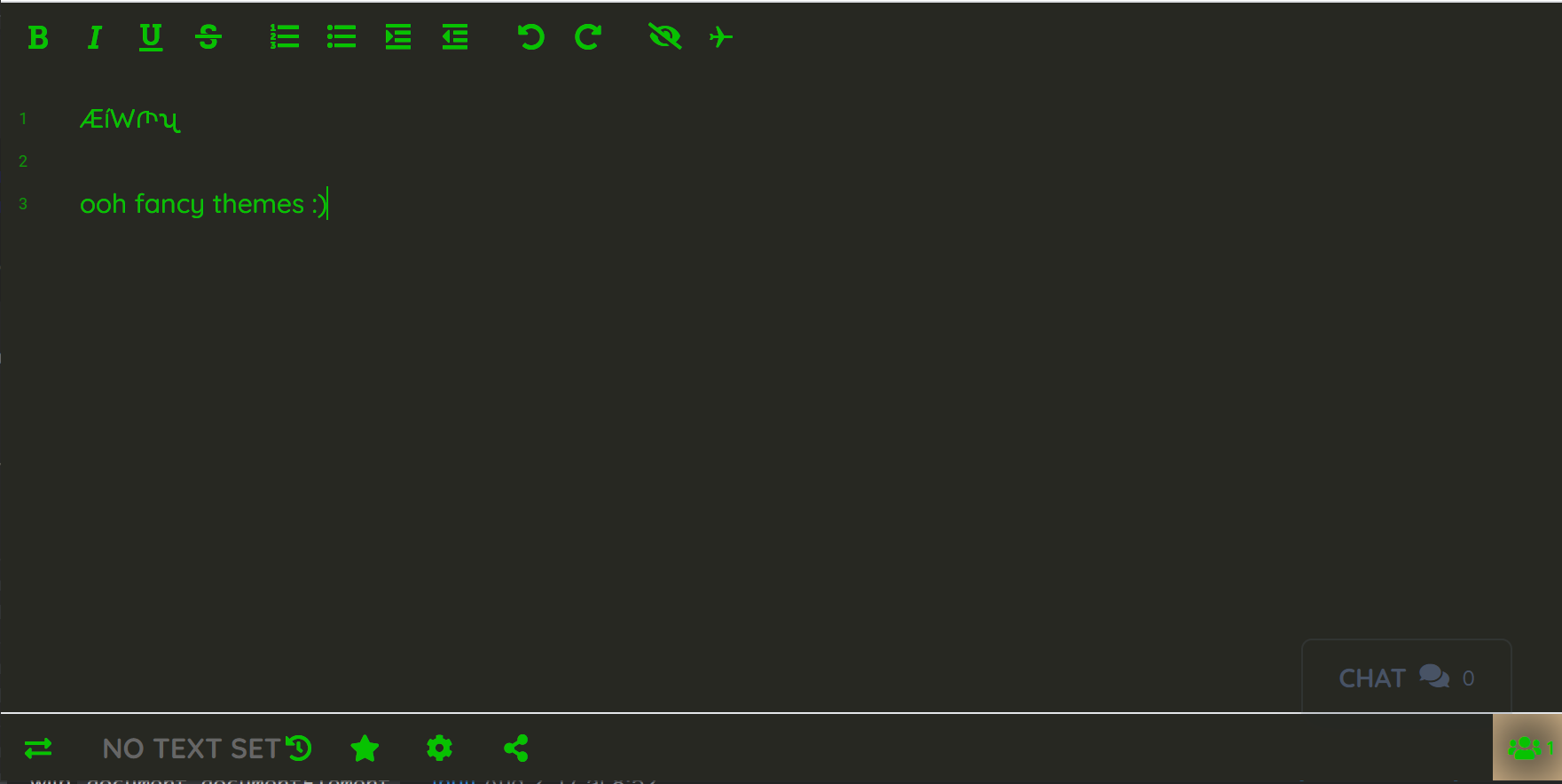
To add more themes send a pull request with your deisgns. Examples for how to do this are in themes.js and it should be easy to test with
themes.setTheme('#000', '#07C201', '#07C201', '#07C201', '#07C201', '#000', '#000');
// replace with your colors :)
Install via the /admin/plugins UI in Etherpad.
Requires Etherpad >= version 1.7.6 The following can optionally be added to your settings.json:
"ep_themes":{
  "default_theme": "hacker"
}
Install from the Etherpad admin UI (Admin → Manage Plugins,
search for ep_themes and click Install), or from the Etherpad
root directory:
pnpm run plugins install ep_themes
⚠️ Don't runnpm i/npm installyourself from the Etherpad source tree — Etherpad tracks installed plugins through its own plugin-manager, and hand-editingpackage.jsoncan leave the server unable to start.
After installing, restart Etherpad.