This repository contains the source code for the OpenMoonRay website, built using Astro and styled with Tailwind CSS.
This guide explains how to modify static pages, add news posts, and manage images or other public assets.
Static pages are located in: src
- pages
- about.astro → https://openmoonray.org/about
- documentation.astro → https://openmoonray.org/documentation
- faq.astro → https://openmoonray.org/faq
- index.astro → https://openmoonray.org/
- license.astro → https://openmoonray.org/license
Pages are composed of Astro components and standard HTML. Components live in: src/ components
The site uses Tailwind CSS for styling.
- Open: src/index.astro
- Add a
<NewsItem />component under the News & Releases section.
datestory
youTubeVideoURLimageURL
<NewsItem
  date="23-June-2025"
  story={`We presented the journey of open-sourcing MoonRay at this year's <a href="https://ubuntu.com/blog/ubuntu-summit-2023-reflections" class='text-blue-600'>Open Source Summit North America</a>, hosted by The Linux Foundation. We invite you to see our path and experiences to open-source.`}
  youTubeVideoURL="https://www.youtube.com/embed/eEbPbSvfhRI?si=QdB-dBnee1m5H0NX"
/>In order for an image to be published on GitHub Pages along with this project it must be added in the public folder. You may follow the project's current conventions and add the image to public/images.
You will be able to access the image utilizing the following file path:
- {domain}/images/imageName
- Example: An image about_cover.png, added to the images folder can be located at the following URL https://maabscorner.com/images/about_cover.png
- Example: A PDF MoonRayPressRelease.pdf added to the public folder directly can be located at the following URL https://maabscorner.com/MoonRayPressRelease.pdf
This project also utilizes src/scripts/ImagePath.js to store file paths for all images (or other files). Simply add a reference,
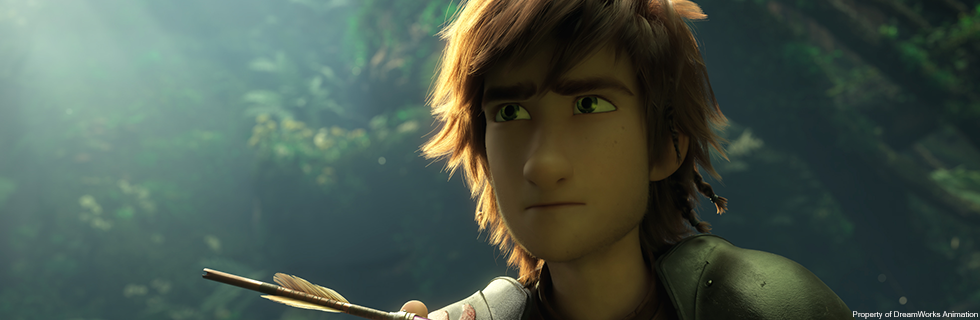
export const about_cover = "https://openmoonray.org/images/d3_hiccup2.png"Then you may use this reference in an Astro file. For example, in about.astro
---
import Layout from '../components//Layout.astro';
import FullscreenImage from '../components/FullscreenImage.astro';
import * as Image from '../scripts/ImagePath'
---

<Layout>
  <img src={Image.about_cover} class="w-full" />
</Layout>