Browse source code and install with x new:
This template should help get you started developing with Vue 3 and Typescript in Vite. The template uses Vue 3 <script setup> SFCs, check out the script setup docs to learn more.
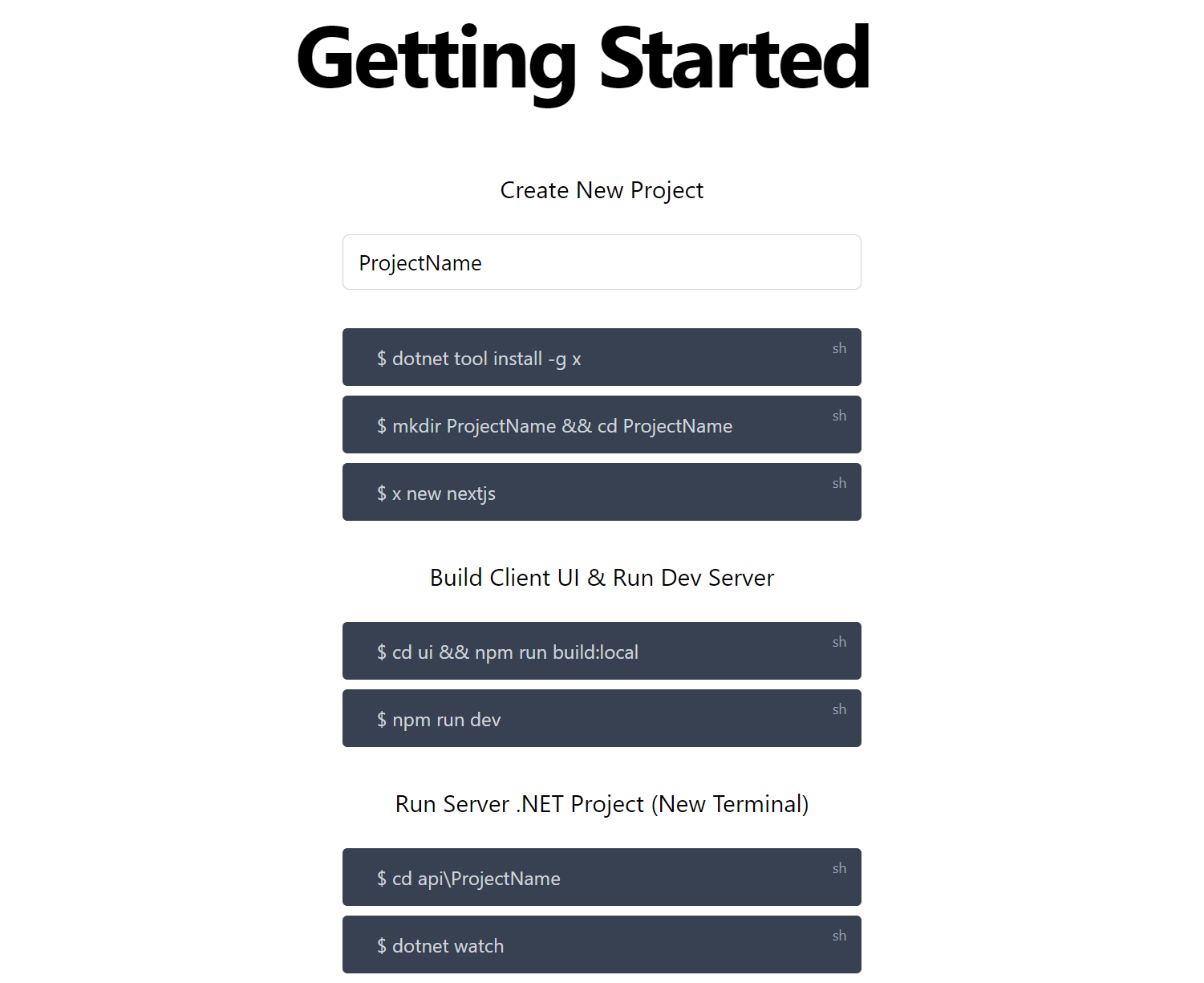
$ dotnet tool install -g x

$ x new nextjs ProjectNameBuild Client UI & Run Dev Server
$ cd ui && npm run build:local
$ npm run dev
Run Server .NET Project (New Terminal)
$ cd api\ProjectName
$ dotnet watch
For more, see development workflow docs for JetBrains Rider and VS Code / VS .NET
This is the existing blog-starter plus TypeScript.
This example showcases Next.js's Static Generation feature using Markdown files as the data source.
The blog posts are stored in /_posts as Markdown files with front matter support. Adding a new Markdown file in there will create a new blog post.
To create the blog posts we use remark and remark-html to convert the Markdown files into an HTML string, and then send it down as a prop to the page. The metadata of every post is handled by gray-matter and also sent in props to the page.
Preview the example live on StackBlitz:

Deploy the example using Vercel:
Execute create-next-app with npm or Yarn to bootstrap the example:
npx create-next-app --example blog-starter-typescript blog-starter-typescript-app
# or
yarn create next-app --example blog-starter-typescript blog-starter-typescript-app
Your blog should be up and running on https://localhost:3000! If it doesn't work, post on GitHub discussions.
Deploy it to the cloud with Vercel (Documentation).
This blog-starter-typescript uses Tailwind CSS. To control the generated stylesheet's filesize, this example uses Tailwind CSS' v2.0 purge option to remove unused CSS.
Tailwind CSS v2.0 no longer supports Node.js 8 or 10. To build your CSS you'll need to ensure you are running Node.js 12.13.0 or higher in both your local and CI environments.