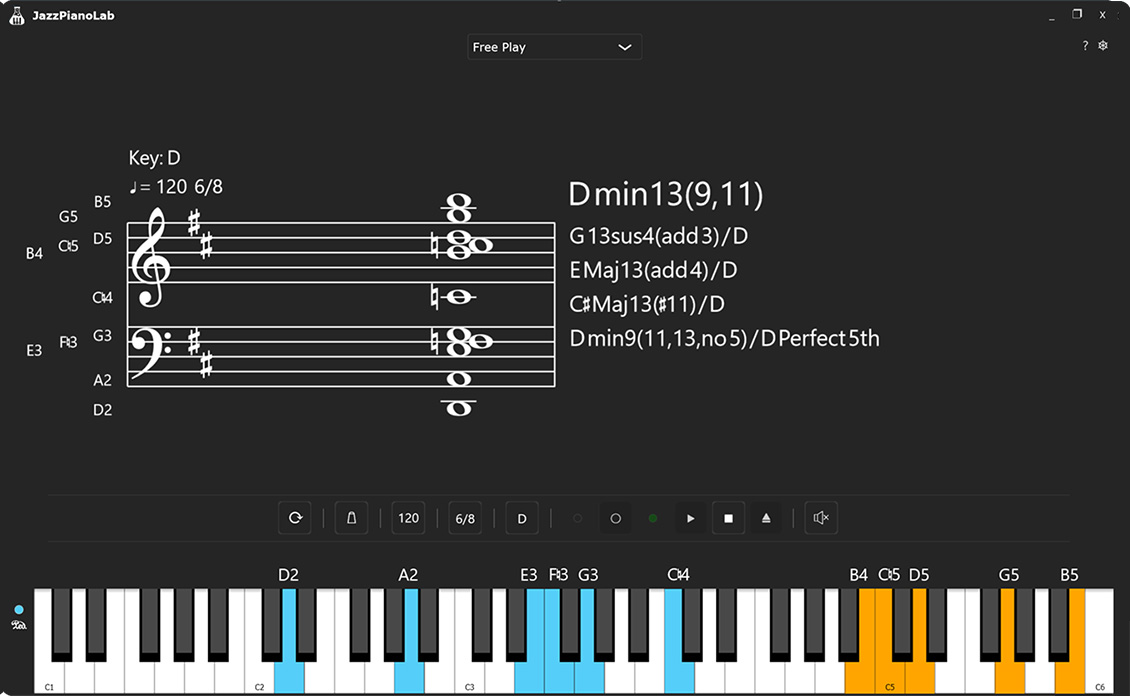
A desktop application to help you learn jazz piano modes and chords using your MIDI keyboard.
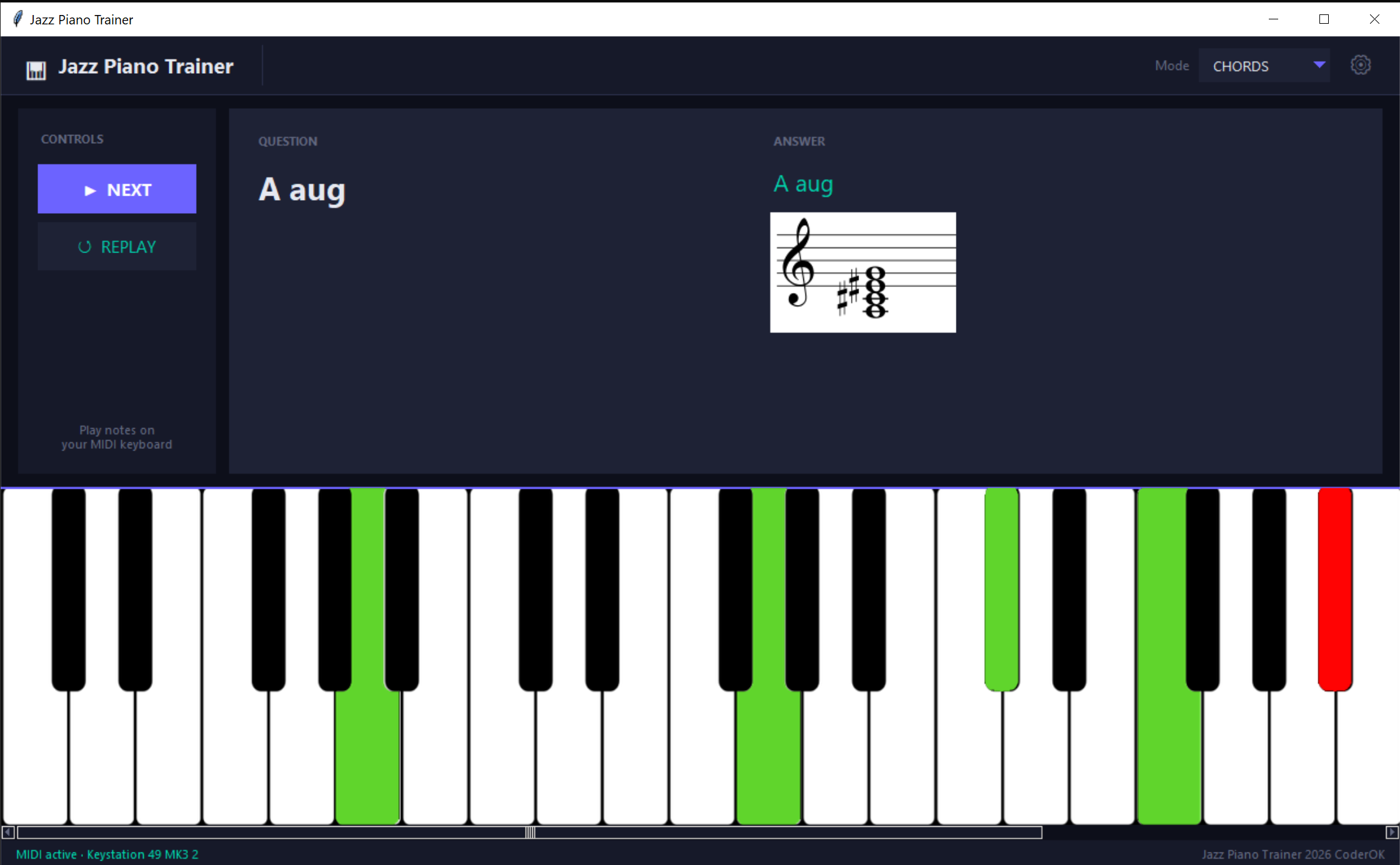
Press NEXT to get a question, play the notes on your keyboard, and the app reveals the answer automatically once you hit all the right keys.
Watch the walkthrough video: https://www.youtube.com/watch?v=WCQai649s_Q
- Modes & Chords — randomised questions covering all 12 keys, 7 modes, and a curated set of jazz chords
- MIDI input — connect one or more MIDI keyboards; correct notes light up green, wrong notes red on the virtual keyboard
- Virtual piano keyboard — resizable, scrollable, supports 1–7 octaves
- Built-in sampler — plays back audio samples for each note via piano-sampler; can be disabled
- Persistent settings — MIDI ports, sampler options, and display preferences saved to
jptrainer.json
| Package | Purpose |
|---|---|
| piano-sampler | Audio sample playback engine (sister project) |
| mido + python-rtmidi | MIDI input handling |
| pygame | Audio mixing |
| Pillow | Image loading and keyboard scaling |
| tkinter (stdlib) | GUI framework |
uv tool install jptrainer
jptrainerpip install jptrainer
jptrainer- Launch the app — the virtual keyboard and dark-themed UI open automatically.
- Open ⚙ Settings (gear icon, top-right of the header) to:
- Select which MIDI input port(s) to use
- Configure the sampler (enable/disable, velocity, sustain, polyphony, sample path)
- Set how many octaves to display (1–7)
- Choose MODES or CHORDS from the mode selector in the header.
- Click ▶ NEXT — a question appears (e.g. "G Dorian").
- Play the required notes on your MIDI keyboard. Correct notes glow green; the answer reveals itself when all notes are played. After 10 seconds the answer is shown automatically.
- Click ↺ REPLAY to hear the audio example again.
Settings are saved to jptrainer.json in the project root:
{
  "midi_ports": ["Your MIDI Device"],
  "sampler_enabled": true,
  "ignore_velocity": true,
  "sustain": false,
  "polyphony": 32,
  "samples_path": "./piano_samples.zip",
  "octaves": 4,
  "debug": false
}- piano-sampler — the simple piano sampler used by this app

🚨 WARNING: INCOMING SHAMELESS PLUG 🚨 Please avert your eyes if you are allergic to indie devs promoting their own stuff on their free MIT repos! 🫣
🎹 JazzPianoTrainer — Meet its beefy C++ sibling, JazzPianoLab!
I loved working on this repo, but my curiosity got the better of me. I really wanted to build my own highly controllable audio tool from the ground up, just to see what I could do. Fast forward a bit, and I accidentally spent way too much time creating a massive, supercharged version called JazzPianoLab!
It's written in C++ using the JUCE 8 audio framework and is packed with features I nerded out on:
🎹 VST3 Virtual Instrument Support
🎼 Advanced Chord Profile System
⚡ Real-Time Chord Identification
🔴 Built-in MIDI Recorder
...and much more!
Don't worry, this MIT project isn't going anywhere! But if you’re looking for a next-level jazz piano training tool (or just want to see what happens when a developer gets completely carried away), check out JazzPianoLab for the latest updates and downloads.
Let’s make jazz piano learning smarter and more fun together!