Repository navigation
technitium-console - an alternative web console you can install over the stock one #2201

Replies: 4 comments

|
Update: v1.2.0 is now available. Since the original announcement, technitium-console has gained:
The original post has been updated with current screenshots and installation details. Thank you for the feedback and encouragement so far. Release: https://github.com/byGarcia/technitium-console/releases/tag/v1.2.0 |
|
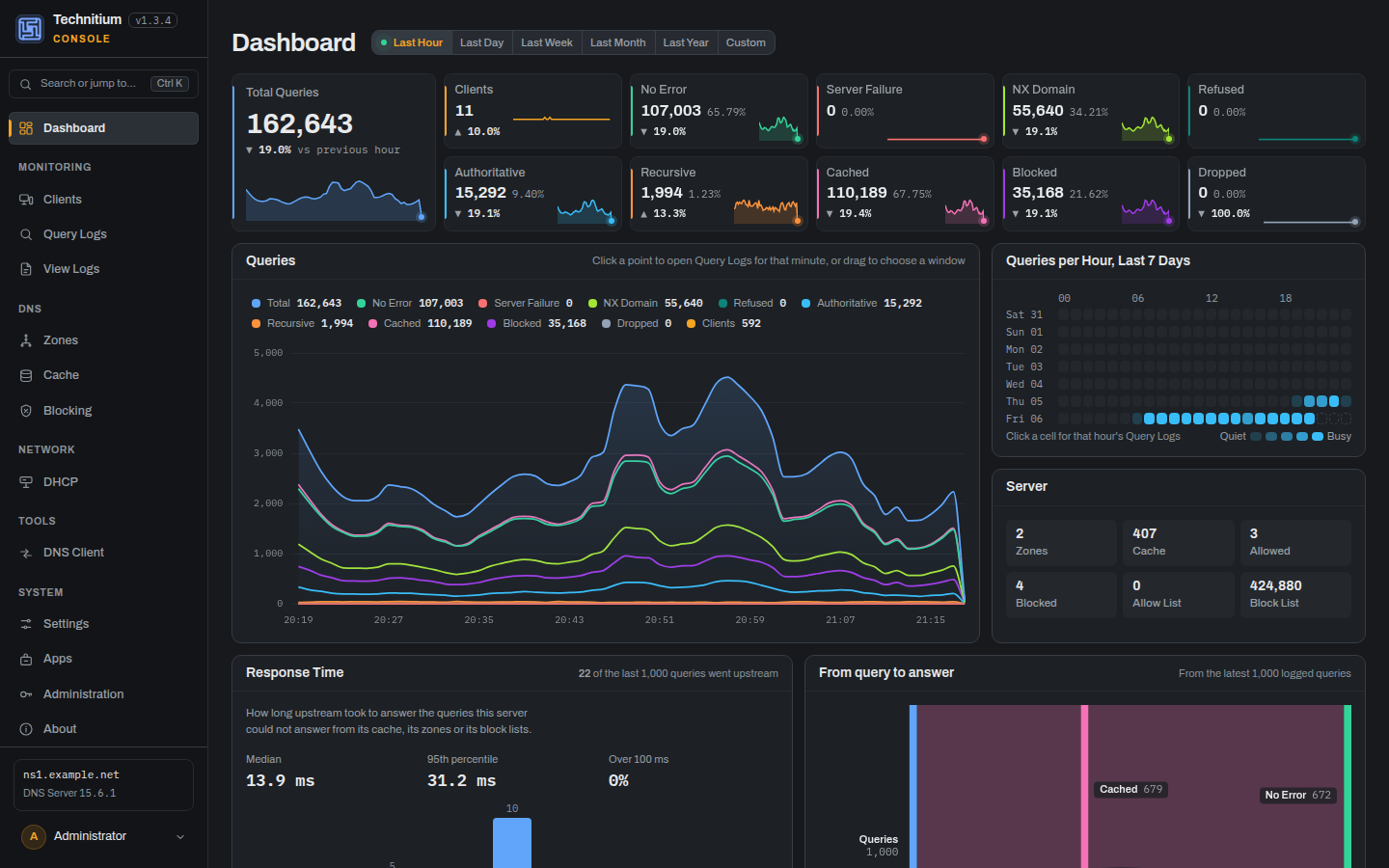
Update: v1.3.0 is now available, checked against Technitium DNS Server 15.6.1.
Since v1.2.0:
Same API and same behaviour as the stock console: all 132 endpoints are covered, and the release has 1,912 automated tests. To update, run the installer again, or pull the image on Docker. Release notes: https://github.com/byGarcia/technitium-console/releases/tag/v1.3.0 Thank you to everyone who has tried it and sent feedback, including the installer report. |
|
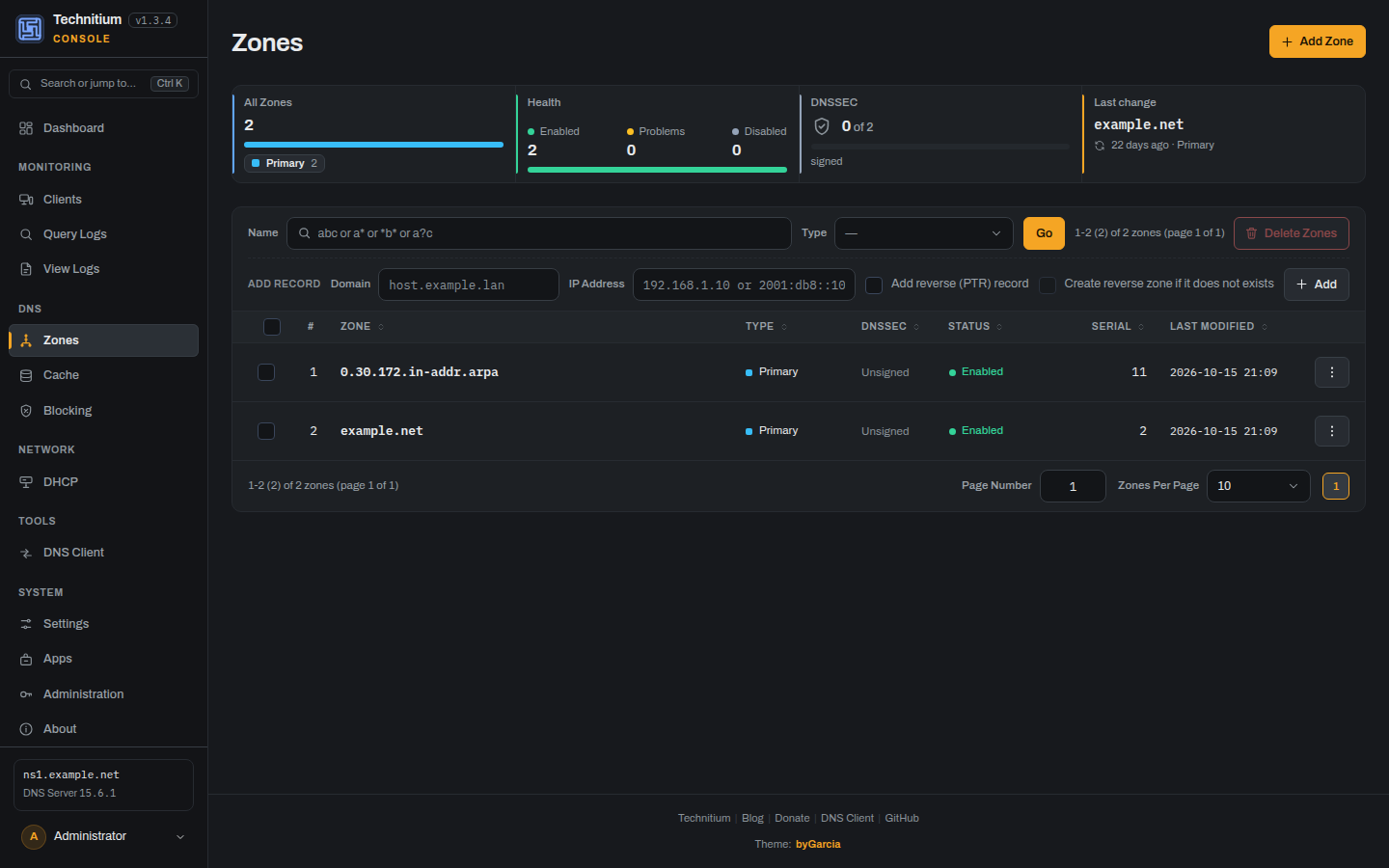
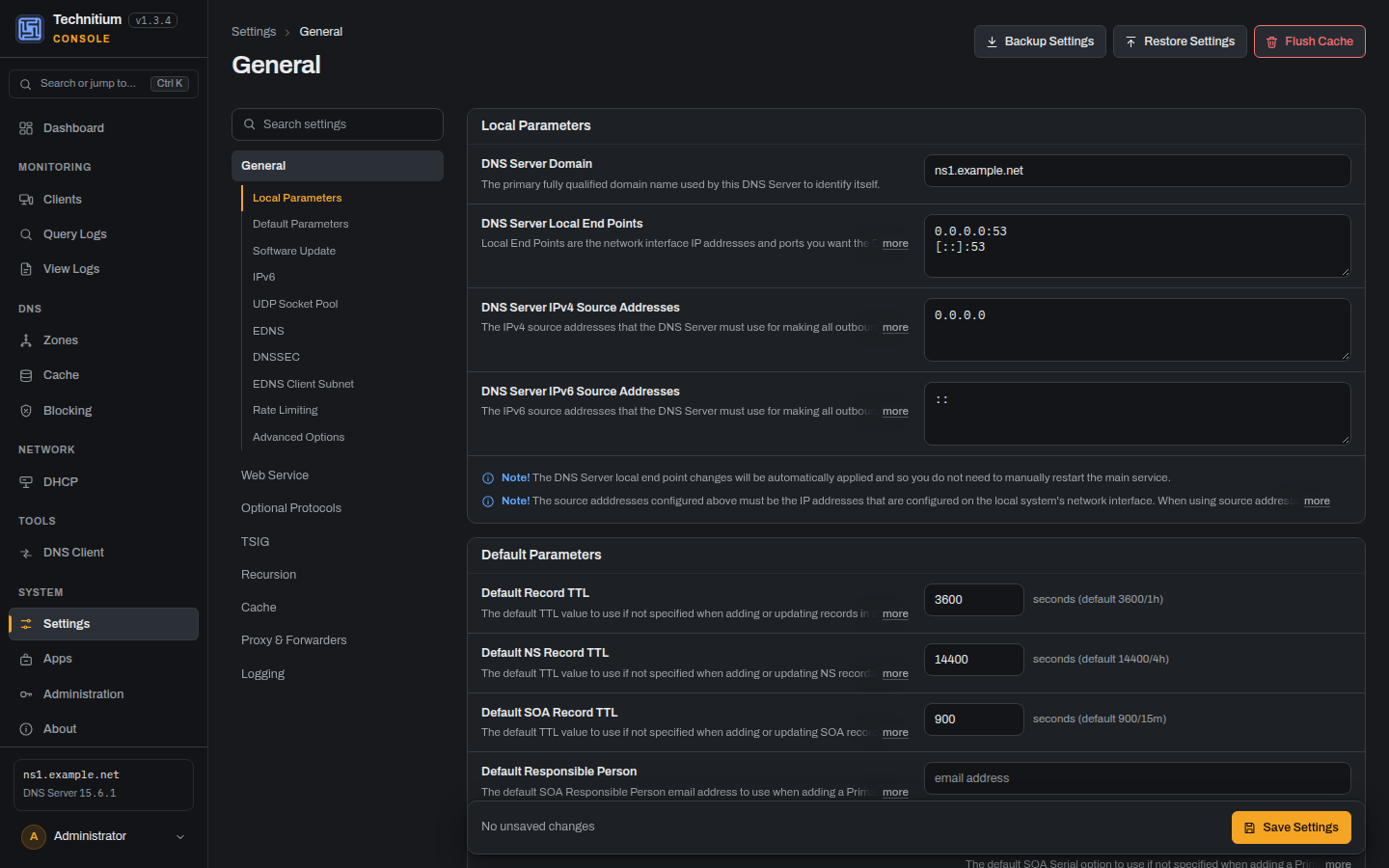
Update: v1.4.0 is now available, checked against Technitium DNS Server 15.6.2.
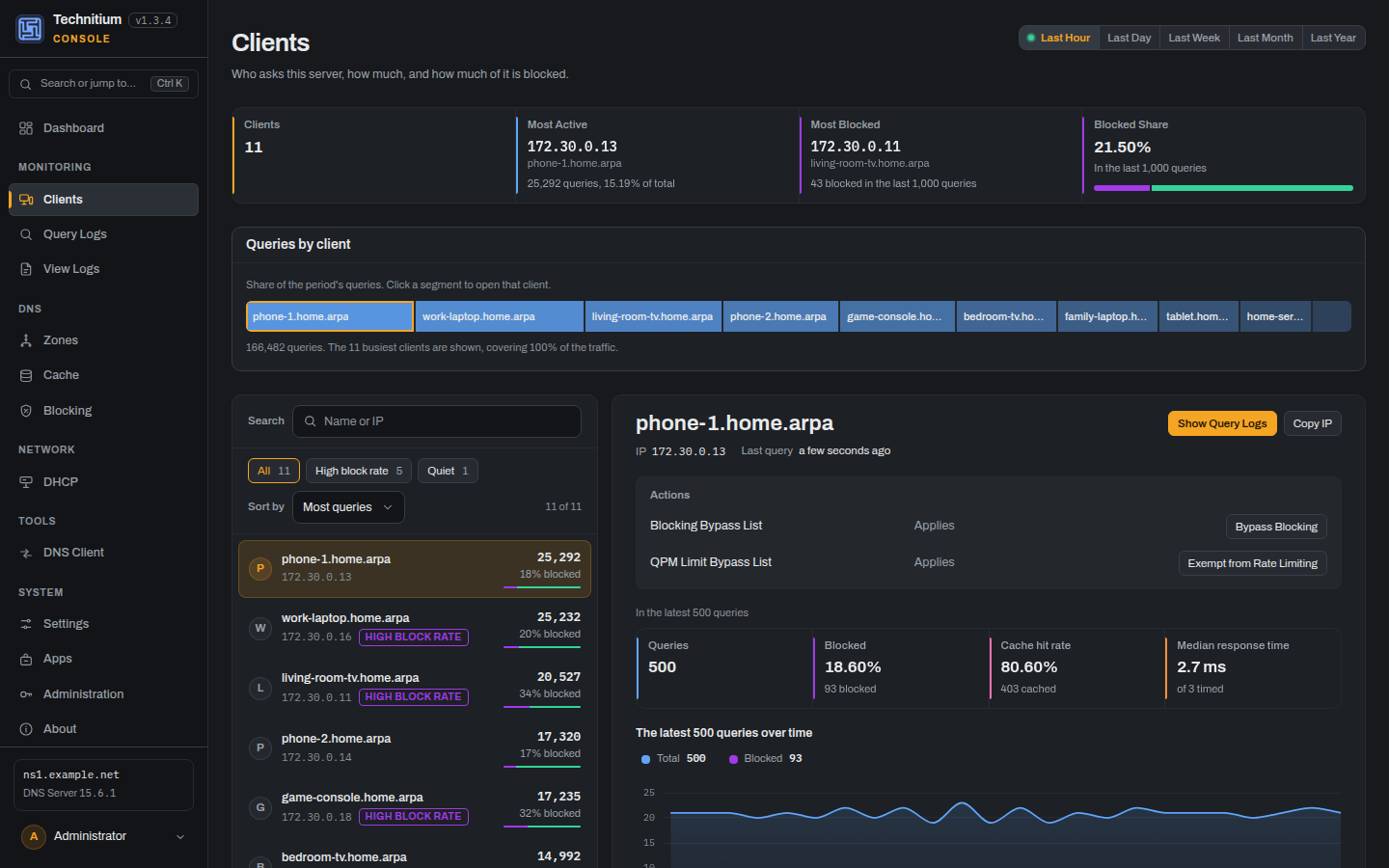
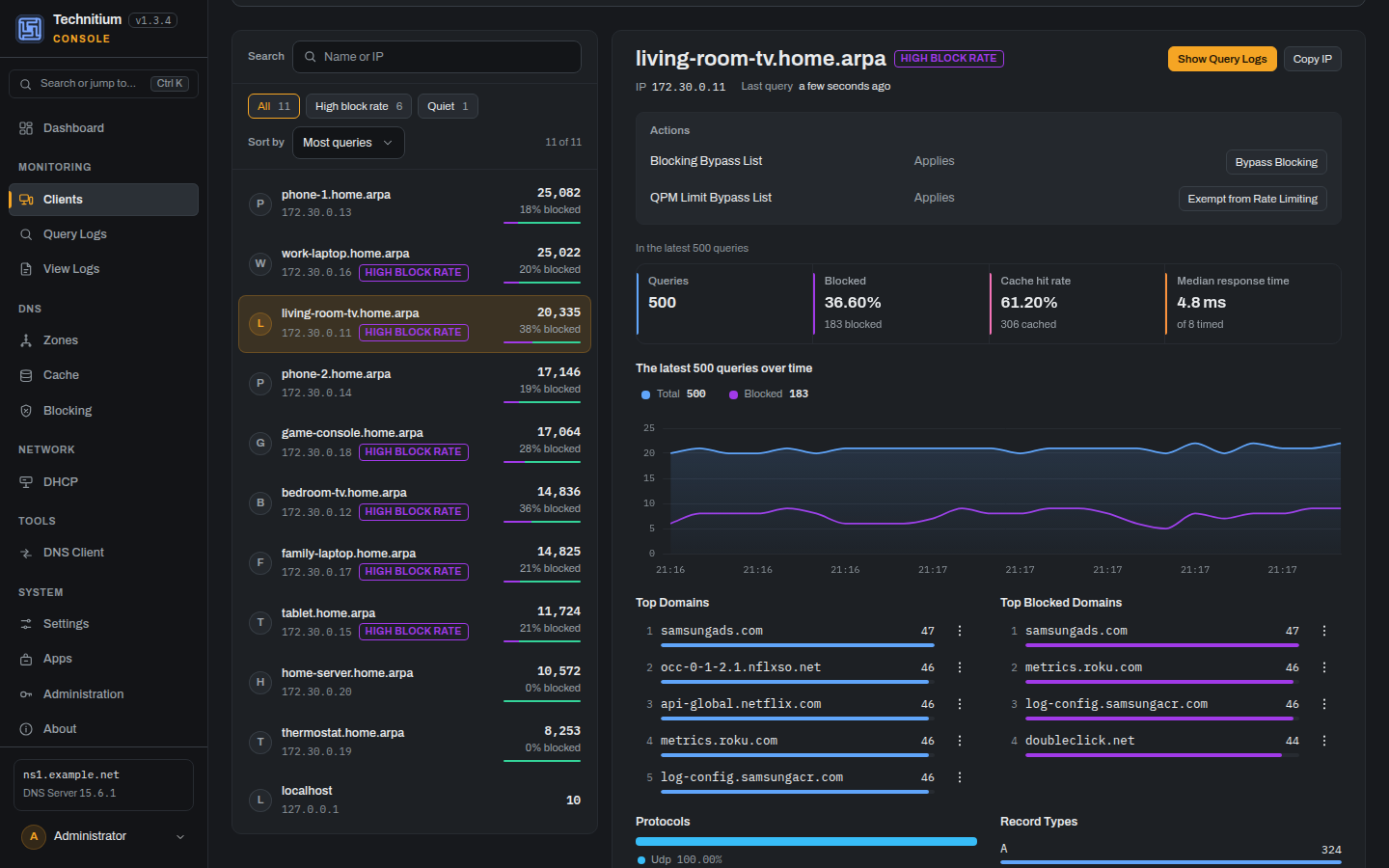
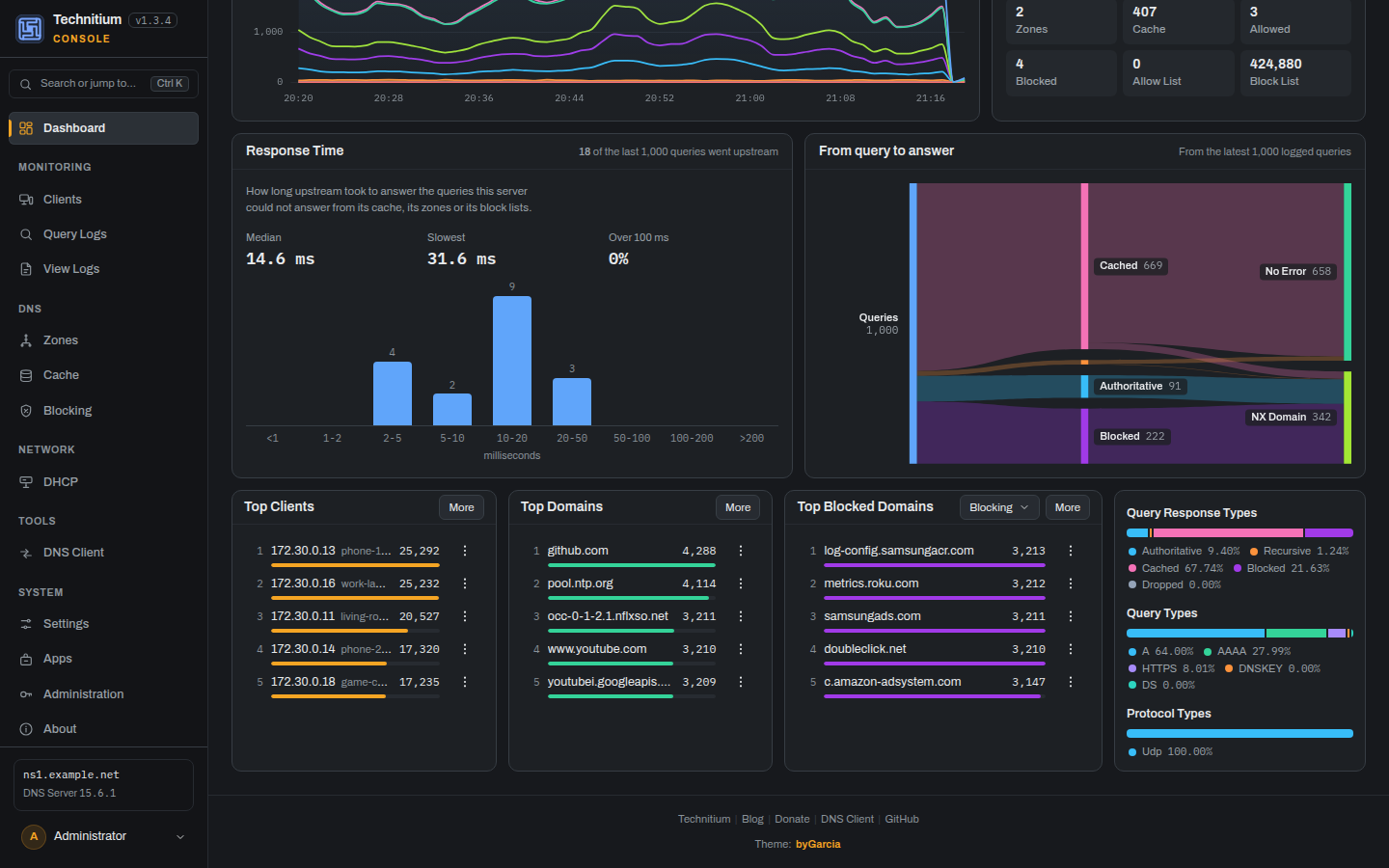
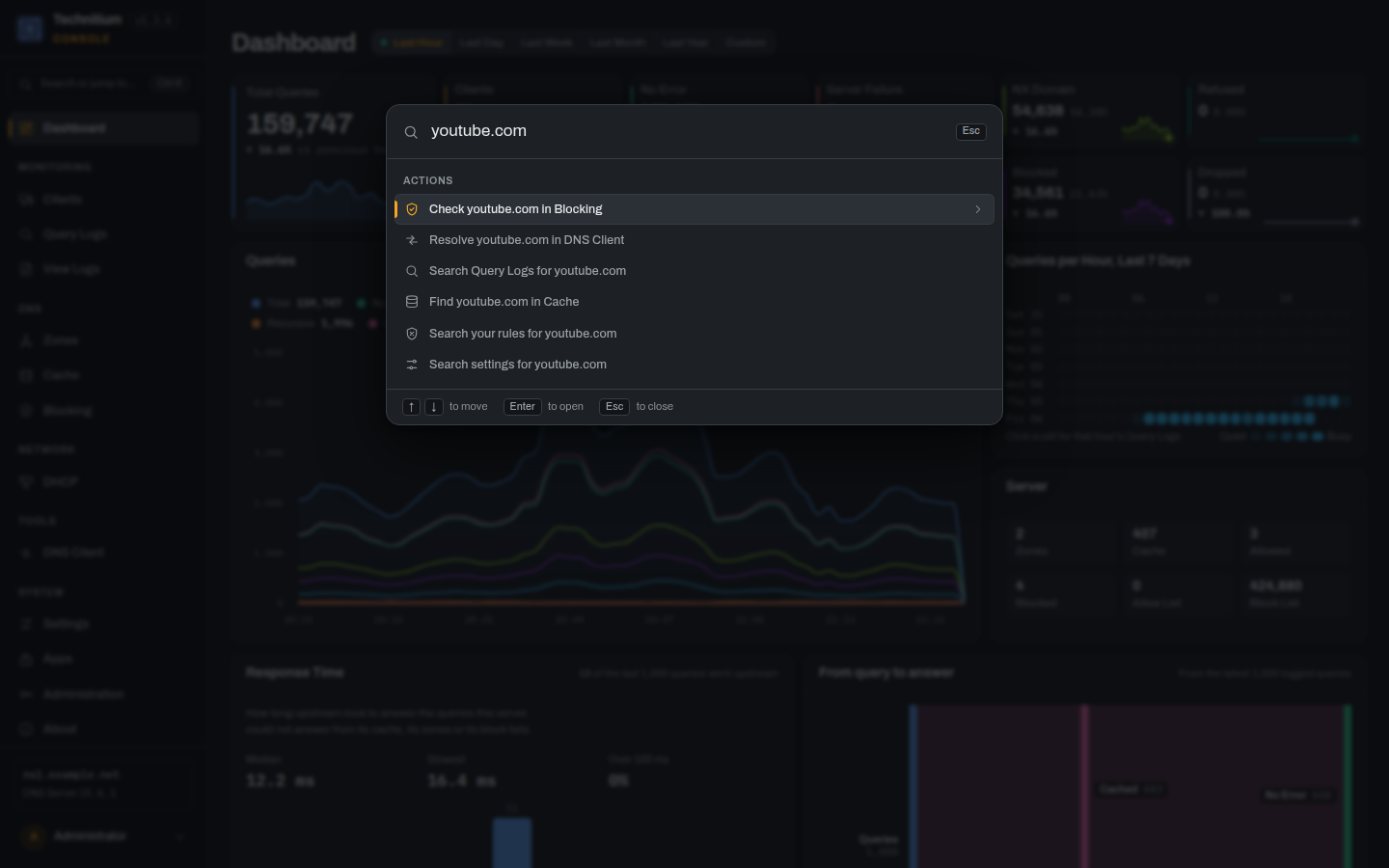
This is the biggest release so far: practically every screen has been redesigned, and there are new screens the stock console never had. Every feature of the stock console still works the same way, through the same API, and everything new only uses calls the stock console already makes. Every screen, redesigned
New in 1.4.0
The cluster views are new. If you run a cluster, I would really like to hear how they behave on yours. Install or update with the same one-line installer, or pull the Docker image again ( Release notes: https://github.com/byGarcia/technitium-console/releases/tag/v1.4.0 Thanks again to everyone who reported issues and sent ideas. |

|
Works and looks amazing, thank you! |


Uh oh!
There was an error while loading. Please reload this page.
Uh oh!
There was an error while loading. Please reload this page.
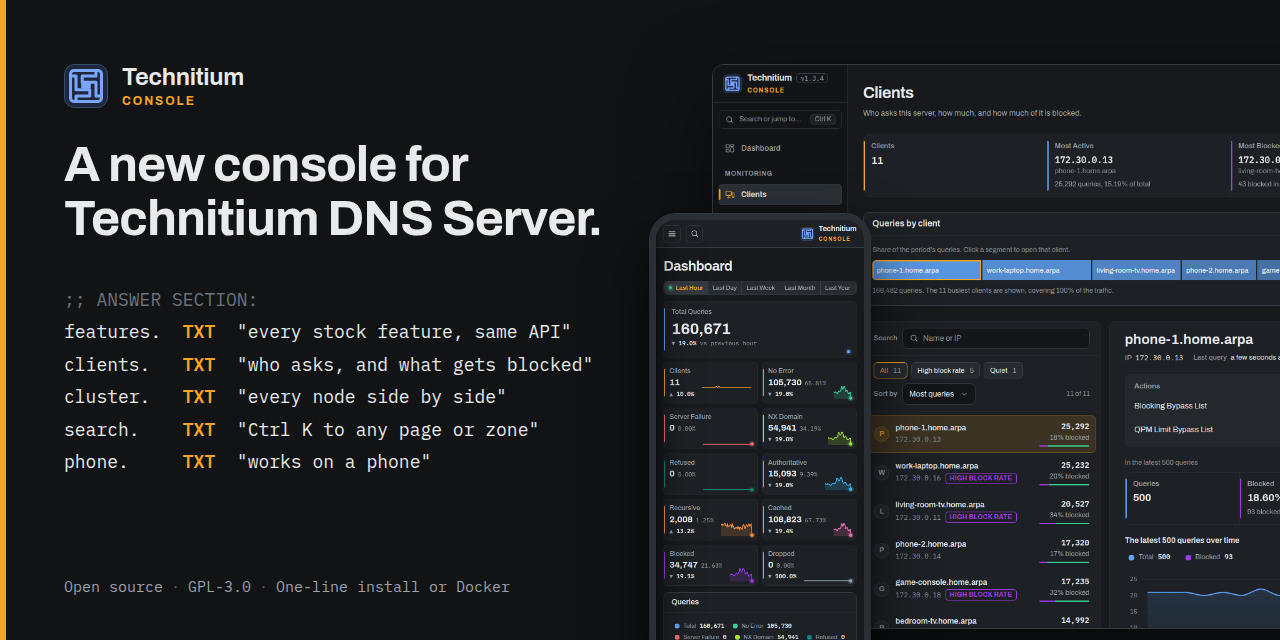
When I proposed a redesign of the admin console in #2128, @ShreyasZare suggested packaging it as an alternative GUI instead. This is it: technitium-console.
What it is
An alternative administration console that uses the same Technitium API and keeps the familiar administration workflows, with a rebuilt interface:
/settings/blocking/, reload, and use the back button./api. It has no backend, database, account or telemetry.Install
The current release is technitium-console v1.2.0 for Technitium DNS Server 15.5.x.
On Linux with v15.5 or later, give the console a folder of its own. The server supports this through
DNS_SERVER_WEB_SERVICE_WWW_FOLDER_PATH, merged in v15.5 via #2138:www/stays untouched.--uninstallremoves the console and restores the stock one.ghcr.io/bygarcia/technitium-consoleis a multi-architecture init image that copies the console into a shared volume and exits. A complete Compose example is in the README.About updates: the concern Shreyas raised
It is a fair one, and it already happened: 1.0.0 was built for 15.4 and could not save Settings on 15.5. The current 1.2.x supports 15.5.x, including LDAP authentication, the zone file editor and everything else introduced in 15.5.
Not affiliated with Technitium. GPL-3.0, like the server. Issues and feedback are very welcome: https://github.com/byGarcia/technitium-console/issues
All reactions